
Guide
Holographic Stock Footage: What It Is and How to Use It
Holographic stock footage is ready-made video of 3D objects, text and signs rendered on a pure black background so they look like floating holograms. Because the background is true black, it vanishes when the clip is blended over other footage or played on a hologram display, leaving only the glowing object.
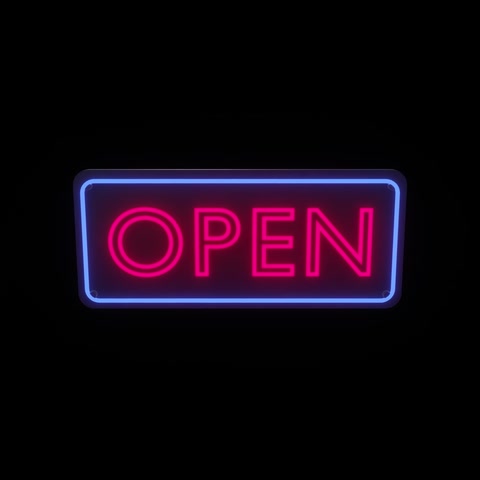


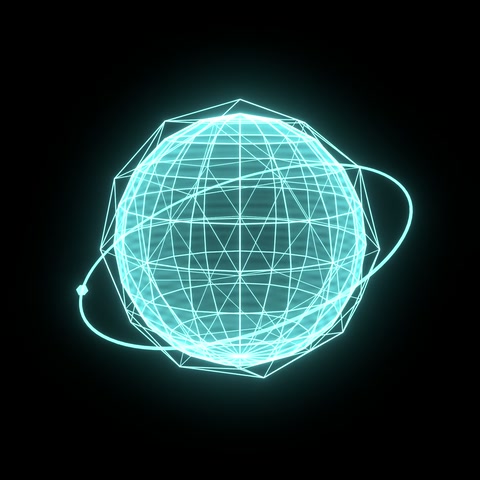

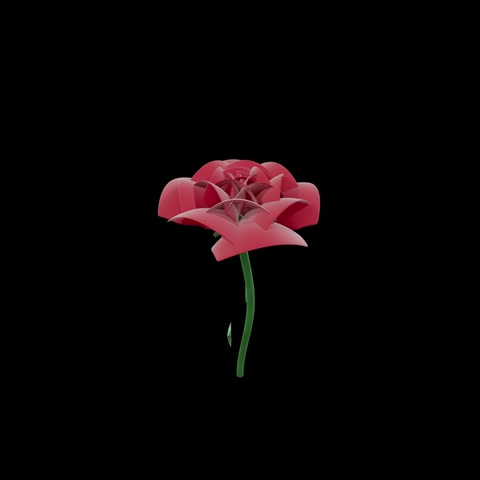

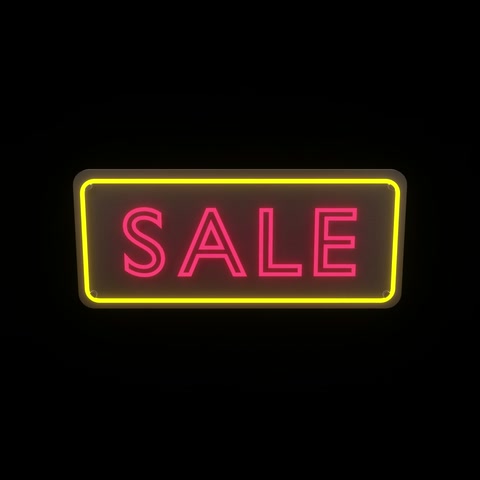
Two looks: sci-fi hologram and realistic 3D
Sci-fi hologram clips are made of light: translucent, glowing cyan surfaces with bright outlines and scan lines, like the projections in science-fiction films. Letters, numbers, globes, DNA helixes and interface rings work best in this style.
Realistic 3D clips show ordinary objects with real materials and studio lighting (a neon OPEN sign, a glazed donut, a Christmas tree, a gold trophy), still on black so they read as floating objects. These are the ones shops, restaurants and event screens use most.
Every clip has a short intro and outro: the object flies in from the dark, performs its main animation (a turn, a sway, a bounce, a blinking sign) and flies away again, so it can be dropped into a timeline or played on a loop without a hard cut.
How to use hologram clips in a video edit
- Place the hologram clip on a track above your main footage.
- Set the clip’s blend mode to Screen (or Add / Lighten). Black becomes transparent and only the light of the object remains.
- Scale and position it. Clips are square and centred, so they crop cleanly to 16:9, 9:16 or 1:1.
- Need real transparency, for example to put a realistic object over a bright background? Use a luma key to turn brightness into alpha.
Screen blending works the same way in Adobe Premiere Pro and After Effects, DaVinci Resolve, Final Cut Pro, CapCut and most mobile editors, so no plug-ins are needed.
Playing clips on hologram displays
Hologram displays, such as spinning LED displays, transparent LED and OLED screens, and Pepper’s-ghost style projection, treat black as empty space. A clip on true black therefore appears as an object floating in the air. Square, centred clips like these need no editing: copy the MP4 to the display and play it. Bright, saturated objects with a clear silhouette read best from a distance.
File formats and specs
| Video | MP4 (H.264), Rec.709 colour |
|---|---|
| Resolutions | 1000×1000 (4 credits) and 2000×2000 / 2K (8 credits) |
| Frame rate | 30 fps |
| Length | Usually 10 seconds, with fly-in and fly-out |
| Background | True black (RGB 0, 0, 0) |
| 3D models | GLB, FBX, OBJ, USDZ and Blender, with UVs and baked PBR textures |
3D models
Many clips come with the 3D model used to make them, so you can re-light, re-animate or place the object in your own scene, game, app or AR experience. Models ship at real-world scale with UVs and baked PBR textures (base colour, roughness, normal), keep the clip’s main animation, and open in Blender, Cinema 4D, Maya, Unity, Unreal and Apple AR Quick Look. The model with its clip costs 25 credits in total.
What people use it for
- Shop windows and in-store displays: OPEN signs, sale tags, seasonal promotions.
- Restaurants and cafés: floating food and drink on menu screens.
- Holiday campaigns: Halloween, Black Friday, Christmas, New Year, Lunar New Year, Ramadan, Valentine’s Day.
- Social video, intros and ads: a 3D object or word that pops on screen over any footage.
- Events, trade shows and presentations: eye-catching 3D objects and symbols on big screens.
- Education and kids’ content: animals, letters, numbers and multiplication.
Licensing
HoloStock clips are royalty-free: you pay once and can use the clip in your own and your clients’ projects, commercial or personal, on screens, online and at events, with no per-view or per-screen fees. You can’t resell or redistribute the files themselves. The license summary has the details.
Holographic stock footage, explained
What is holographic stock footage?
Short video clips of 3D objects, text and signs rendered on a pure black background, so they look like they float in the air like a hologram. The black areas disappear on hologram displays and when the clip is blended over other video, leaving just the glowing object.
What do I get when I download a clip?
An H.264 MP4 at 1000×1000 or 2000×2000 (2K), 30 frames per second, usually about 10 seconds long, with the object flying in at the start and out at the end. Many clips also come with the matching 3D model in GLB, FBX, OBJ, USDZ and Blender formats, with textures and real-world scale.
How do I put a hologram clip over my own video?
Place the clip on a layer above your footage and set its blend mode to Screen (or Add / Lighten). The black background drops out and only the object remains. This works in Premiere Pro, After Effects, DaVinci Resolve, Final Cut Pro and CapCut. A luma key gives the same result if you need a real alpha channel.
Can I play the clips on a hologram display?
Yes. Clips are square, centred and on true black, which is what LED hologram displays, transparent screens and holographic projection setups expect: black shows as empty space and the object appears to float.
Are the clips royalty-free?
Yes. You pay once and get a perpetual, worldwide license to use the clip in your own and your clients' projects, including ads, social media, events and displays, with no per-view or per-screen fees.
How much does a clip cost?
Prices are in credits (about $1 each): 4 credits for 1000×1000 and 8 credits for 2K. Where a 3D model is available, the model with its clip is 25 credits in total. Credits come in packs or with a monthly plan.